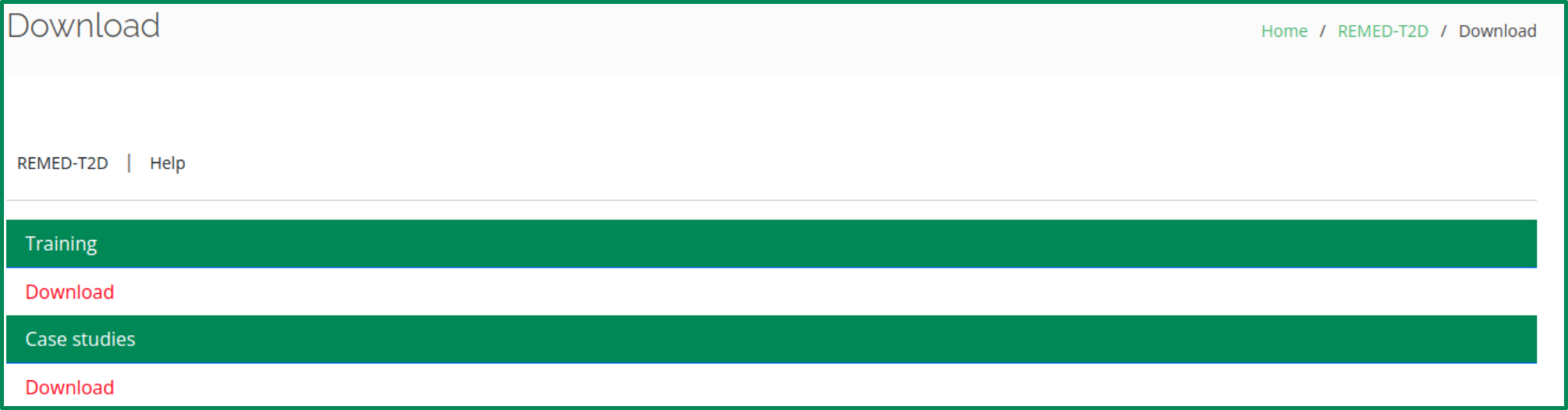
For the convenience of users, including both remote users and healthcare professionals, a publicly accessible web server named REMED-T2D has been established. To further enhance user experience, a step-by-step guide is provided below, enabling users to obtain the desired results without needing to delve into the mathematical details of the algorithm.
Go to the REMED-T2D homepage by copying the following link https://balalab-skku.org/REMED-T2D/ to the web browser or click here. You will see the top page of REMED-T2D. Click on the Help button to see a brief introduction about the server.
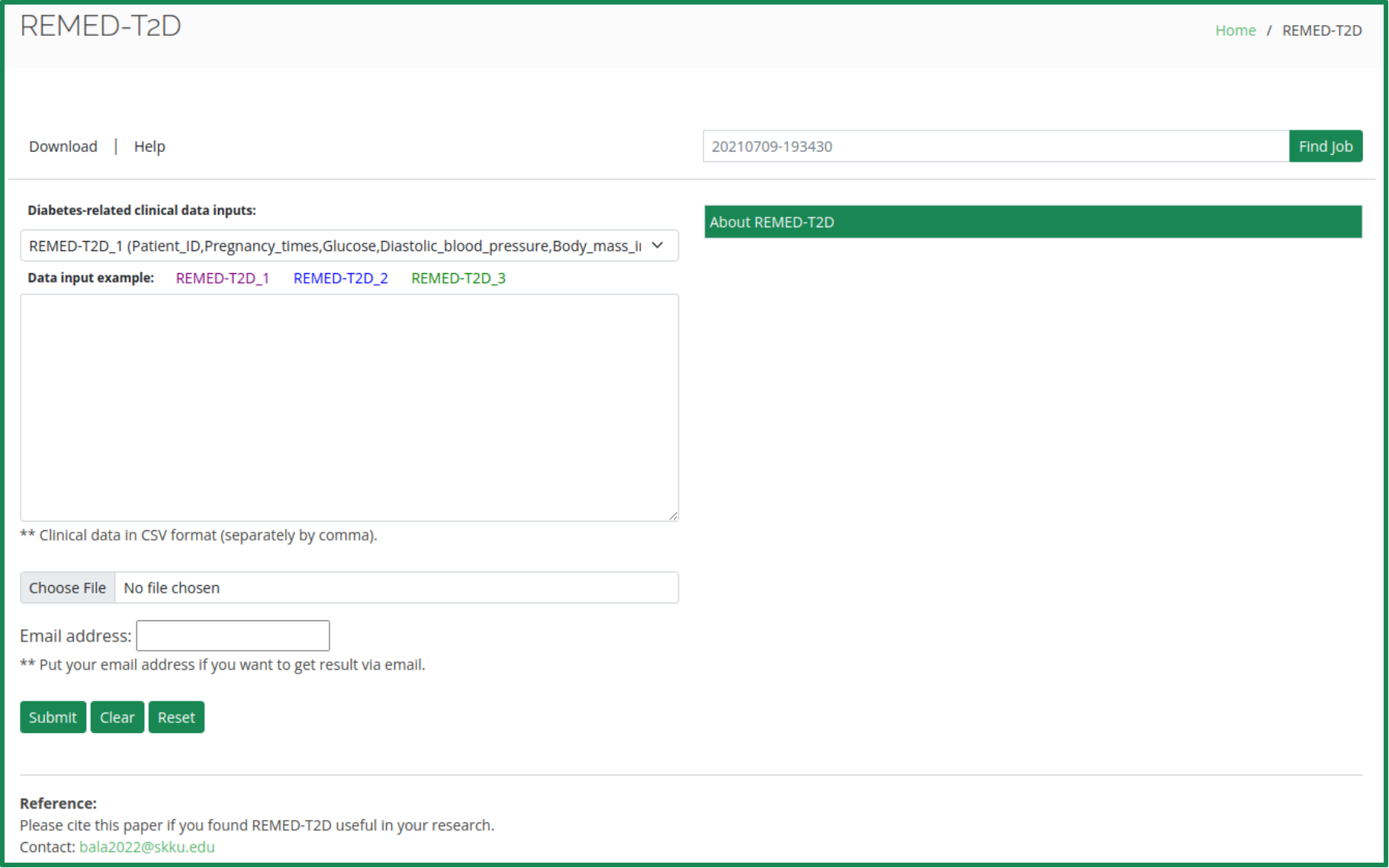
We have developed the REMED-T2D prediction model for early detection of type 2 diabetes in females. Users can predict diabetes using the dropdown menu.
- Paste it directly into the text box.
- Upload your data file using the "Choose File" button.
- REMED-T2D_1: Patient_ID, Pregnancy_times, Glucose, Diastolic_blood_pressure, Body_mass_index, Age.
- REMED-T2D_2: Patient_ID, Pregnancy_times, Glucose, Diastolic_blood_pressure, Skin_thickness, Insulin_level, Body_mass_index, Age.
- REMED-T2D_3: Patient_ID, Pregnancy_times, Glucose, Diastolic_blood_pressure, Skin_thickness, Insulin_level, Body_mass_index, Diabetes_pedigree_function, Age.
Ensure you select the correct model and prepare your input data in the required feature order. Users can click Example for easy testing of the REMED-T2D web server.
- The input clinical data must be in CSV format. Any other format will result in an error.
- Sample CSV files are provided for reference.
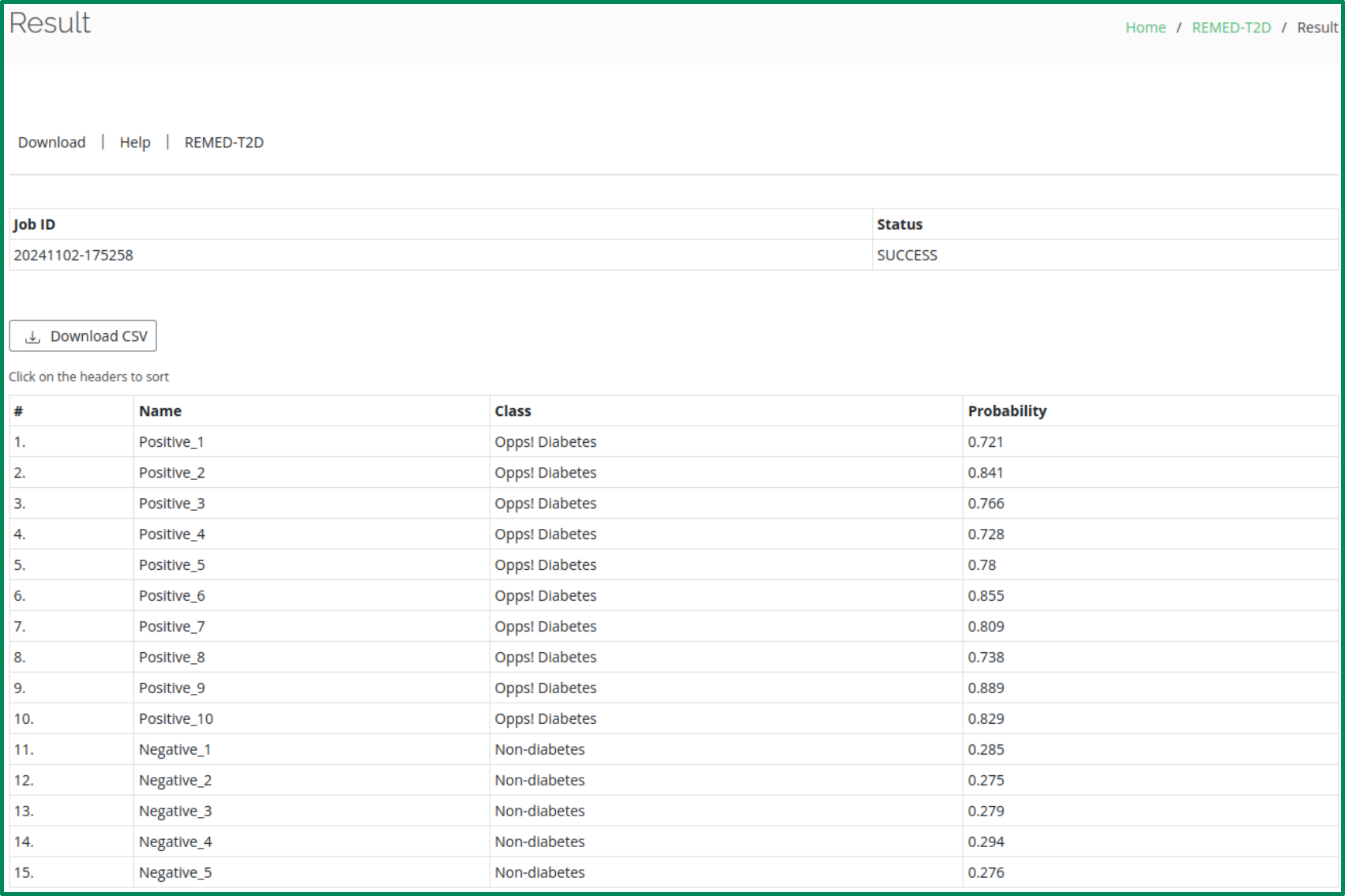
By clicking the Submit button, you will get the prediction results on your computer screen. The results include:
- Serial number
- User ID
- Diabetes or Non-diabetes prediction
- Probability of prediction (ranges from 0 to 1)
Click on the Reset/Clear button to erase the query data in the input box or file upload field.
Click on the Download button to download datasets (training and case studies) used in this paper.